Connect any AI — Claude, ChatGPT, Gemini, local models — to your real PLC projects in CODESYS, Siemens TIA Portal and Mitsubishi. Every change is validated, backed up and approved by the engineer before it touches the machine.
A file-based bridge between the AI and the vendor IDE. Semi-auto by design: the AI proposes, the engineer approves.
Automatic backup before every import. If the change doesn't land exactly as declared, the apply aborts — no silent overwrites, ever.
Import only the objects you changed. One function block, one program, one variable list — never the whole project by accident.
One click freezes a known-good state: a restorable backup plus per-object plain-text source you can read and diff without opening the IDE.
A simple file protocol — works with any AI that can read and write files. No cloud dependency, no subscription to someone else's model.
| Platform | Status |
|---|---|
 CODESYS V3 (incl. Delta AX, Schneider, WAGO, ABB) CODESYS V3 (incl. Delta AX, Schneider, WAGO, ABB) |
✅ Full loop — proven |
 Siemens TIA Portal (SCL / LAD) Siemens TIA Portal (SCL / LAD) |
✅ Proven — SCL both ways + LAD (FC), auto-apply via Openness |
 Mitsubishi GX Works3 Mitsubishi GX Works3 |
✅ Proven — ST / FB / ladder · one manual import step |
 Factory I/O scene analysis Factory I/O scene analysis |
🔶 Preview |

Let any AI ship code that actually works. Every change passes a hard-coded gate before it’s declared done. Your project’s memory is portable across sessions and AI vendors.
No hallucinated names → tests 100% → replay-deterministic → tamper-evident receipt. The verifier is a subprocess, not another LLM. If it doesn’t pass, it doesn’t ship.
YAML knowledge nodes with reproducibility contract. Session A saves; Session B (any vendor) reads. What you learn stays learned — never overwritten.
Bundled MCP server — Claude Code, Claude Desktop, Cursor, Codex CLI, VS Code Copilot. Six real tools, all execute; no vendor lock-in, no cloud dependency.
Cross-module contract shape match + import existence check + topological build order. Catches the silent bug where module A renames a field and module B breaks.
MIT license · Works with any MCP-capable AI client · Python 3.10+
Full features for 30 days. No account, no card — install and run. Windows.
⬇ Download Bridge Automation Windows · ~1 MBTrial runs 30 days from first launch; after that, SYNC TO PLC / SYNC TO AI need a full license.
Required — the ladder/digest engine is a CPython-3.11 module. Tick "Add python.exe to PATH". Get it at python.org 3.11.
Double-click INSTALL.bat → a Bridge icon appears on your Desktop.
Add your vendor, click SYNC TO AI, and let your AI (Cursor / Claude / Codex / VS Code) write the PLC code. You approve every apply.
Tools built in a real factory-automation practice — shipped when they survive real machines.
The AI ↔ PLC bridge described above. One-time license, activate on your machine, offline-friendly for air-gapped factory PCs. Tutorials included. Download the 30-day trial →
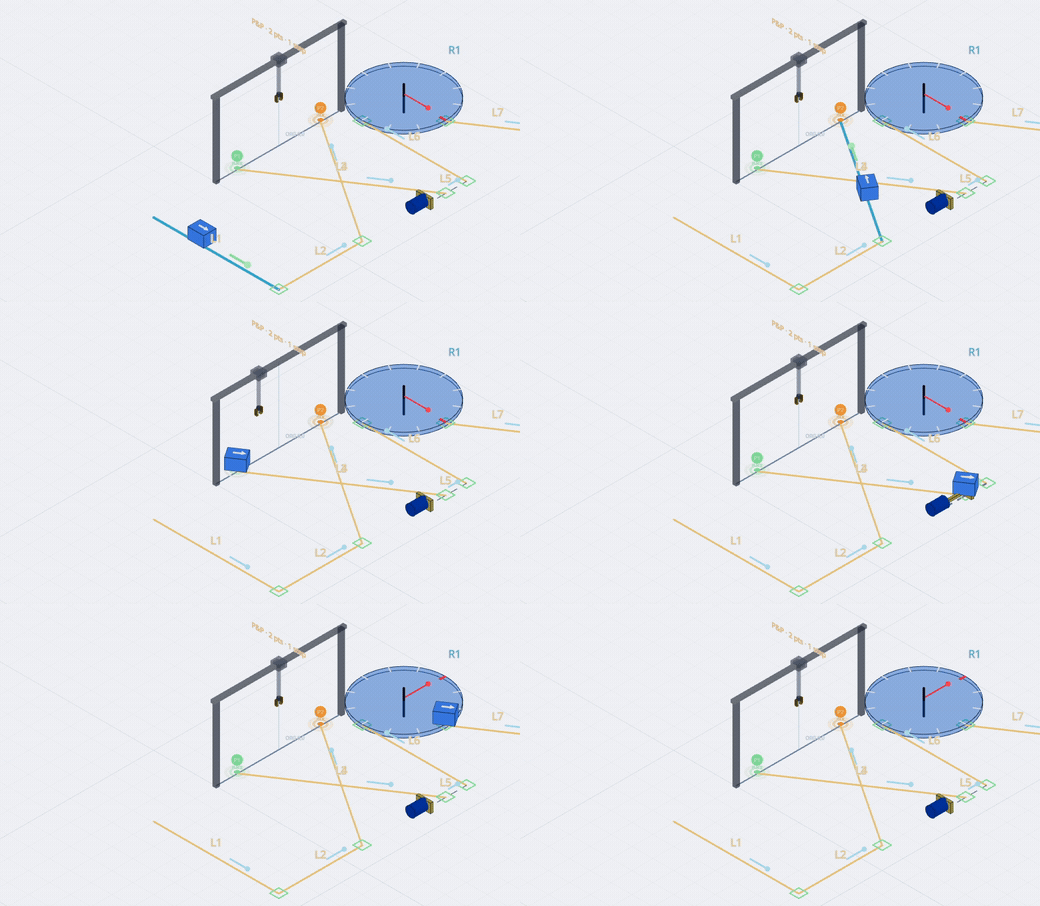
The namesake: a deterministic platform for isometric mechanism design — author a machine as a single-line L/R skeleton and generate kinematics, step logic and PLC code from one source. Specification-first, machine-verified.
A verification framework for AI-driven software work: deterministic gate, append-only knowledge graph, bundled MCP server. Free and open source. See how it works →